




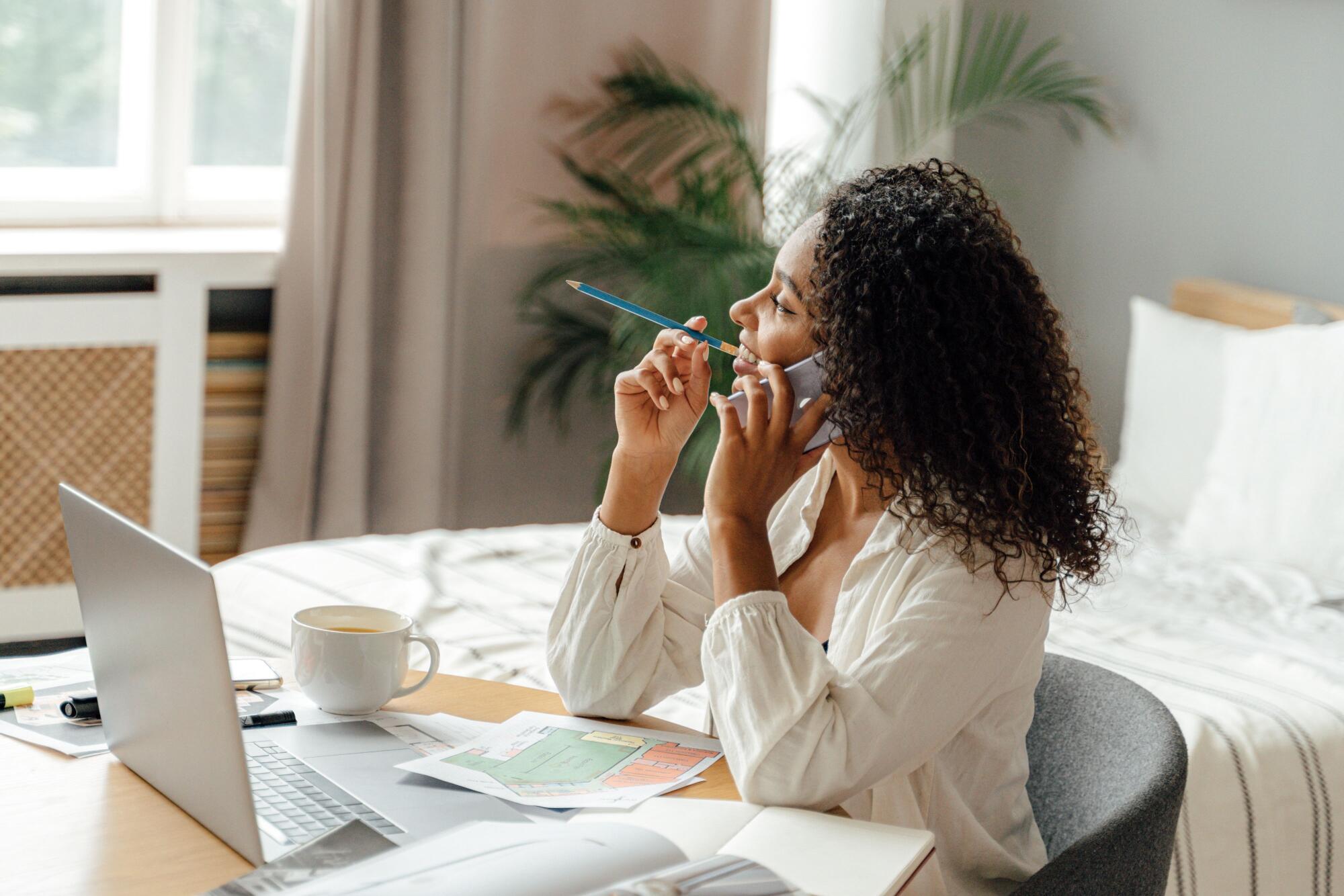
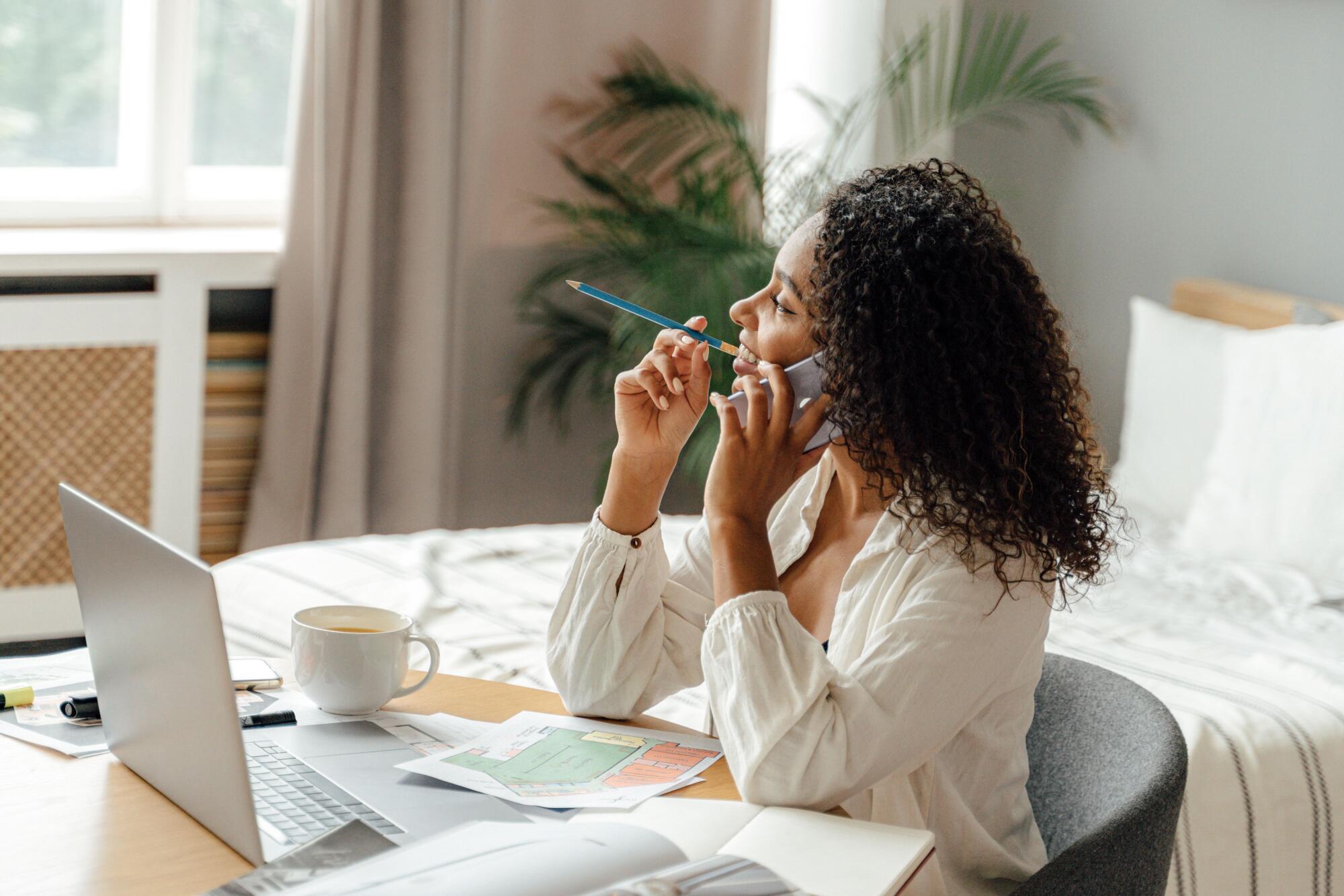
When working from home, prioritize upgrades that improve comfort and reduce distractions. Start with a supportive chair and a practical desk setup, then address poor lighting and screen glare before investing in expensive furniture or decor.
Your kitchen table might have seemed like a perfectly good workspace when you first started working from home. A few months later, though, the dining chair feels uncomfortable, and afternoon sunlight makes your laptop screen difficult to read.
Suddenly, that makeshift home office isn’t quite as practical as it once seemed.
The good news is that you don’t need to spend thousands of dollars transforming your workspace. A few thoughtful upgrades will make your workday more comfortable and productive.
Which Home Office Upgrade Should Come First?
Start with the furniture you use for hours every day. An uncomfortable chair or poorly positioned desk puts unnecessary strain on your body, making even simple tasks tiring.
You don’t need expensive equipment to create an affordable desk setup. Focus on practical improvements:
- Choose a supportive chair: Look for adjustable height and proper back support
- Raise your screen: Position your monitor near eye level to reduce neck strain
- Adjust your desk layout: Keep your keyboard and mouse within comfortable reach
- Shop secondhand: Look for quality office furniture at lower prices
Prioritize comfort and proper positioning over appearance.
How Can Better Lighting Improve Your Home Office?
Poor lighting makes it harder to see your screen clearly and often leads to eye strain. Before buying expensive lighting equipment, consider how natural light enters your workspace.
Position your desk so the window sits to the side of your monitor rather than directly behind or in front of it. This helps reduce reflections and uncomfortable brightness.
If your room lacks natural light, invest in an adjustable desk lamp that illuminates your work area without shining directly onto the screen.
Good home office lighting should make your workspace comfortable throughout the day, even as outdoor light changes.
Reduce Screen Glare With the Right Window Treatments
Sunlight streaming through your windows makes a home office feel inviting, but too much direct light creates screen glare and uncomfortable heat, especially in the afternoon.
Blinds offer a practical way to control incoming light without keeping your room dark all day. Choose adjustable designs that let you filter sunlight as conditions change.
Before purchasing, review inside mount vs outside mount blinds explained to understand which fitting style works best for your windows.
Measure carefully and choose window treatments that provide enough coverage while allowing you to enjoy natural daylight.
What Home Office Purchases Can Wait?
It’s tempting to invest in stylish furniture and accessories when upgrading your workspace. However, not every purchase will improve your daily working experience.
Consider postponing these upgrades:
- Expensive desks
- Designer shelving
- Decorative accessories
- Extra monitors
When working from home, let your daily needs guide your spending. Upgrade what isn’t working before replacing equipment that still serves you well.
Make Working From Home More Comfortable
The best home office upgrades solve problems you deal with every day. Whether it’s an uncomfortable chair or sunlight hitting your screen, address what affects your work most. A few affordable changes will make working from home more enjoyable without stretching your budget.
Discover more enlightening content on our website!
Content provided through ContentManagerIO.